Start with a fresh plan.
Open Daily Plan + Map in your desk before the NY session. See the pullback areas, targets, and conditions I’m watching, including the alternative scenario when there is one.
Get a new trading plan from me every morning, mapped onto your TradingView chart—with pullback areas, targets, volume profile, and GEX structure so you can see what I’m watching before the NY session.
Add fresh morning plans, Market Map, live trading, and training to the desk you already use.
I share the areas and scenarios I’m watching. Market Map makes them visible, so you can follow the reasoning and make your own trading decisions.
Open Daily Plan + Map in your desk before the NY session. See the pullback areas, targets, and conditions I’m watching, including the alternative scenario when there is one.
Copy the day’s unique code into Market Map on TradingView. The mapped areas and GEX levels appear together on your chart.
See how the pullback area lines up with volume profile and GEX, and whether the path to the target is clear or cautious.
Watch price reach the areas you’ve prepared for. Optional confirmation tools can show an entry signal, stop, and contract sizing based on your risk settings. You choose and manage the trade.
Loading the published recap record…
Pro brings the morning plan and chart context into your existing routine. See what I’m watching before the open, follow the session live, then review your own decisions in your journal.
Read the plan and map the pullback areas, targets, and market structure before the NY session.
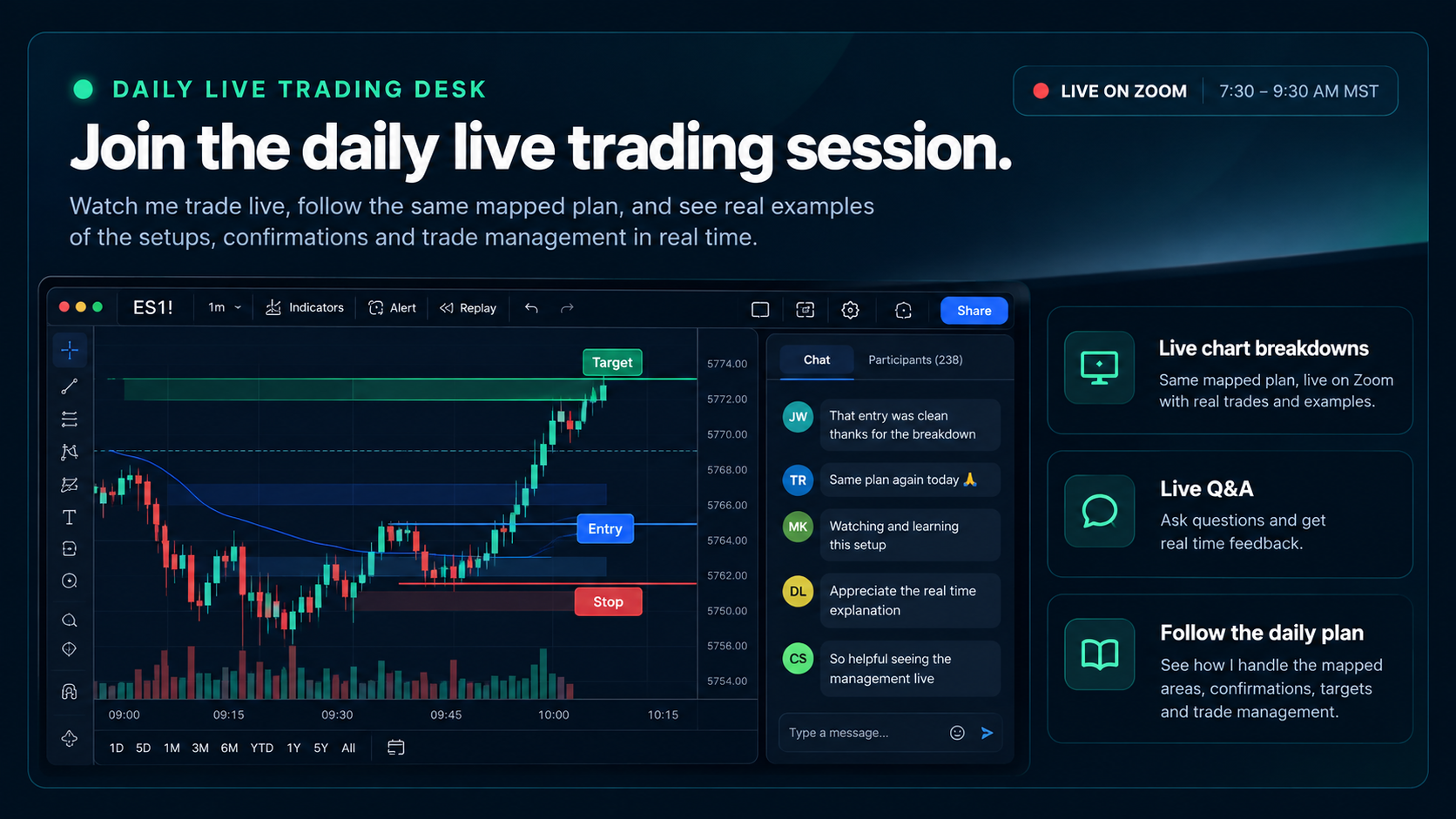
Join me live to see how I respond as price reaches an area—or when I choose to keep waiting.
Keep your trades, screenshots, notes, and stats together. Use the journal to see what you followed and what to improve.
You’ve seen the recaps. Join me live to see the waiting, the decisions at a planned level, and how I manage a trade as the session unfolds.
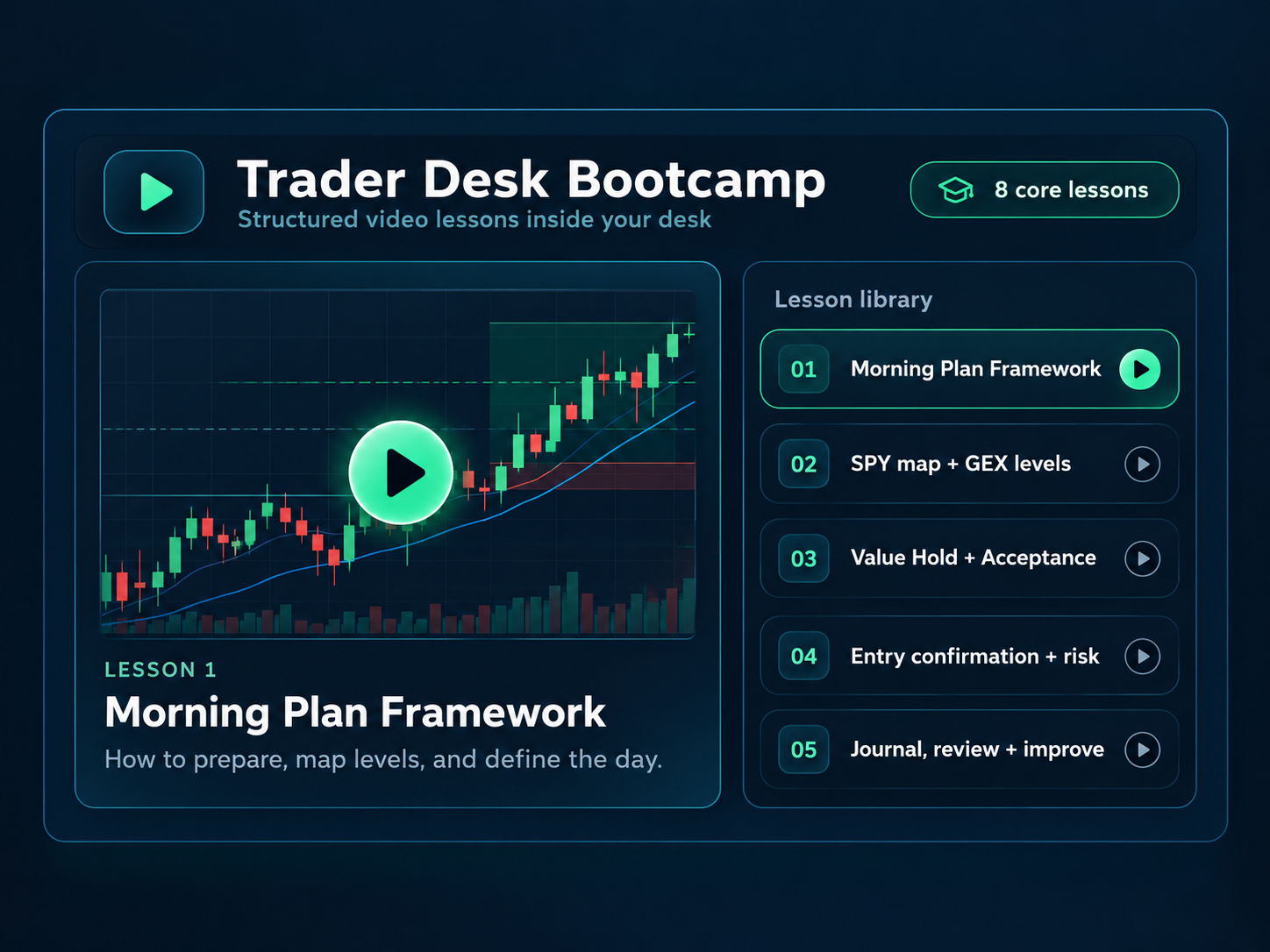
Start with onboarding to get Market Map onto your chart. Then work through the training on preparation, setups, confirmation, risk, and review at your own pace.
Ask me through Pro WhatsApp support, tag me in Discord, or send an email. Pro also includes OTS Pro access for the optional entry confirmation tools.
Keep your login, journal, recorded trades, screenshots, and stats. Upgrading unlocks Daily Plan + Map, live trading, Pro training, and priority support in the account you already have.
The journal, Trade Locker, analytics, daily recaps, and community remain free, whether you subscribe to Pro or not.
No. Upgrade using the same email as your current Trader Desk account. Your journal and trading history stay in that account.
Return to Trader Desk and open Pro Training. The onboarding walks you through adding Market Map to TradingView and setting up your charts. Then open Daily Plan + Map for the daily plan and code.
Use the mapped areas, VP, and GEX to evaluate price at the planned levels. Optional confirmation tools can show a signal, stop, and sizing. You decide whether to enter and place and manage your own orders. A setup can still lose.
Your free journal, recorded trades, Trade Locker, performance tools, daily recaps, and community remain available. Manage your Pro subscription from the customer portal linked in your account.
Add my daily plans, Market Map, live trading, and training to your account. Sign in below, purchase with the same email, then return to your desk and start with Pro onboarding.
Your purchase is matched by email. Keep the checkout email the same as your Trader Desk account.
Checkout not loading? Open secure checkout in a new tab.
After payment, return to Trader Desk and refresh to check your Pro access.