01
Trade Locker
When you're done, submit the trade. Trader Desk locks Tradovate until the next trading day so continuing to click is no longer an option.
Most traders know when to enter. Far fewer have a system for when to stop. Trader Desk keeps your plan, journal, recaps and progress in one place — and can lock Tradovate when you’re done. Start free.
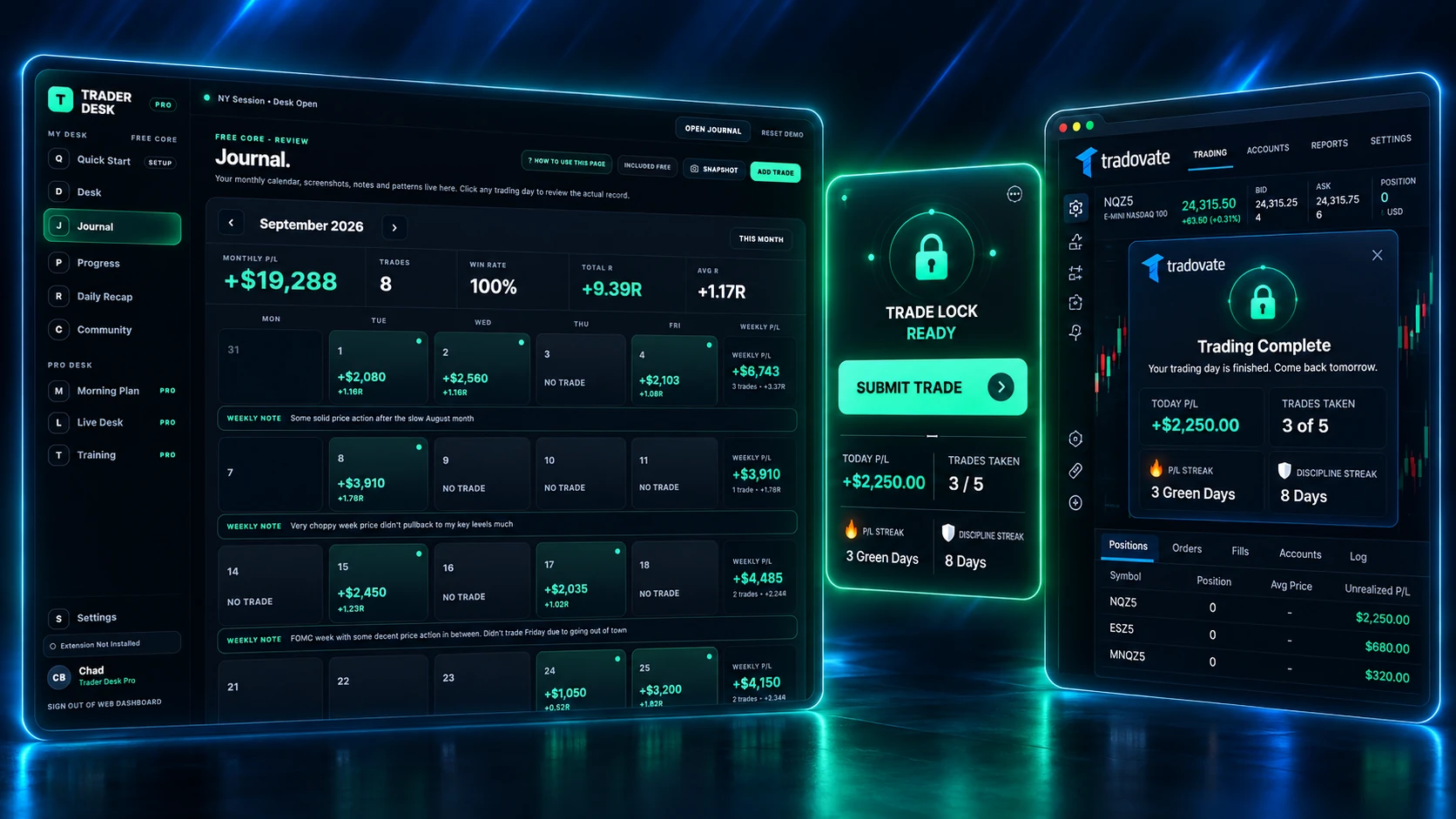
Trader Desk Free gives you one home for the whole routine: open your web dashboard, trade your plan, let the companion extension enforce the stopping point, then review the day in your journal.
When you're done, submit the trade. Trader Desk locks Tradovate until the next trading day so continuing to click is no longer an option.
Keep your trades, screenshots, notes, setup, mistakes and P/L in one place so every session becomes something you can actually learn from.
See your calendar, win rate, average R:R and streaks so you're not guessing whether your process is getting more consistent.
The routine is intentionally simple: take the trade you planned, save it, lock the platform, then review the day instead of forcing another decision.
Your Trader Desk web app is the home for your plan, journal, recaps and progress.
Use the companion Chrome extension on your trading computer while you trade your plan.
When the session is done, Trade Locker blocks new Tradovate entries until the next trading day.
Come back to the web app for your journal, screenshots, notes, stats and next-day review.
You shouldn't have to win the same willpower battle after every trade. Trader Desk gives you a hard stopping point, then keeps the day organized so you can learn from it later.
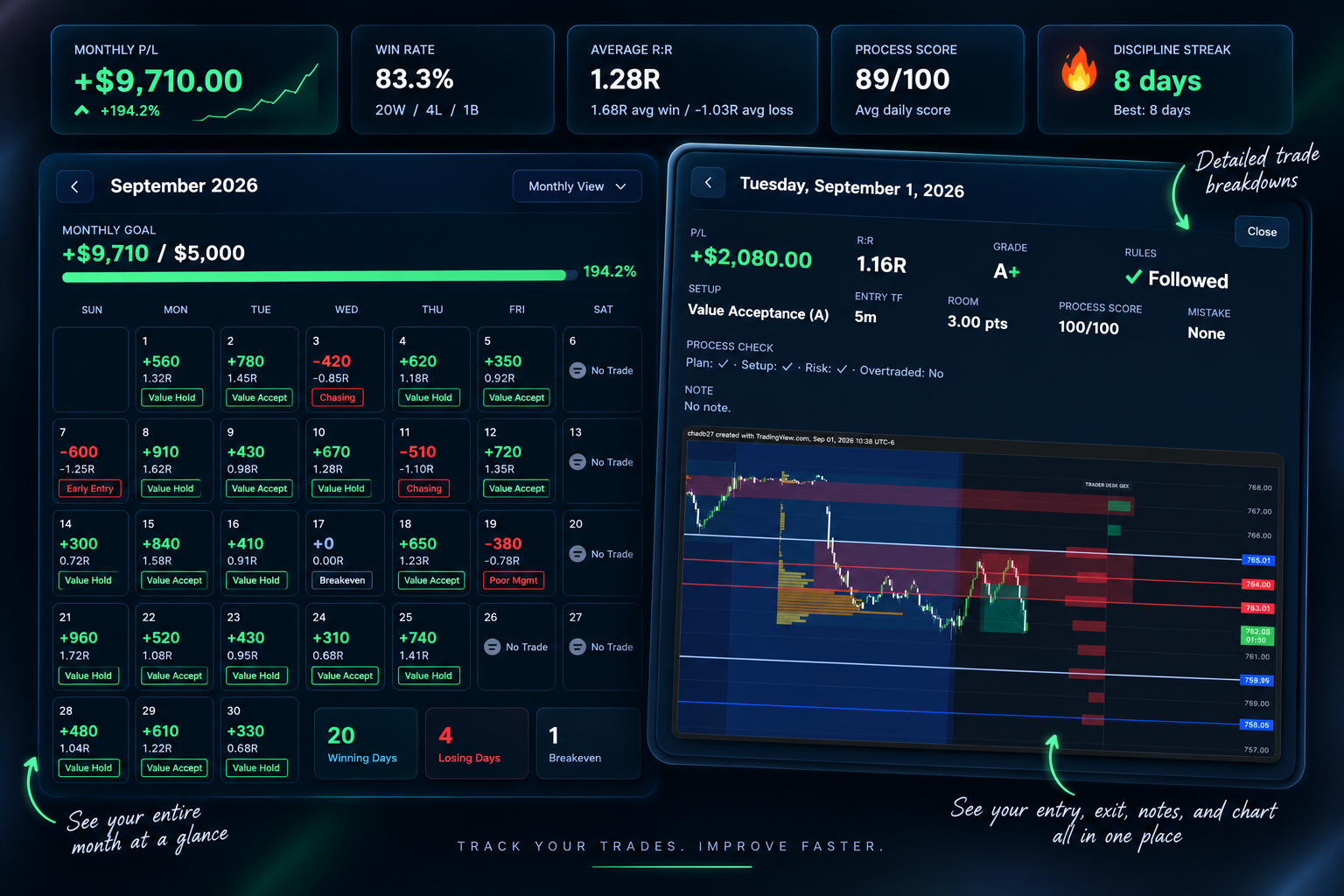
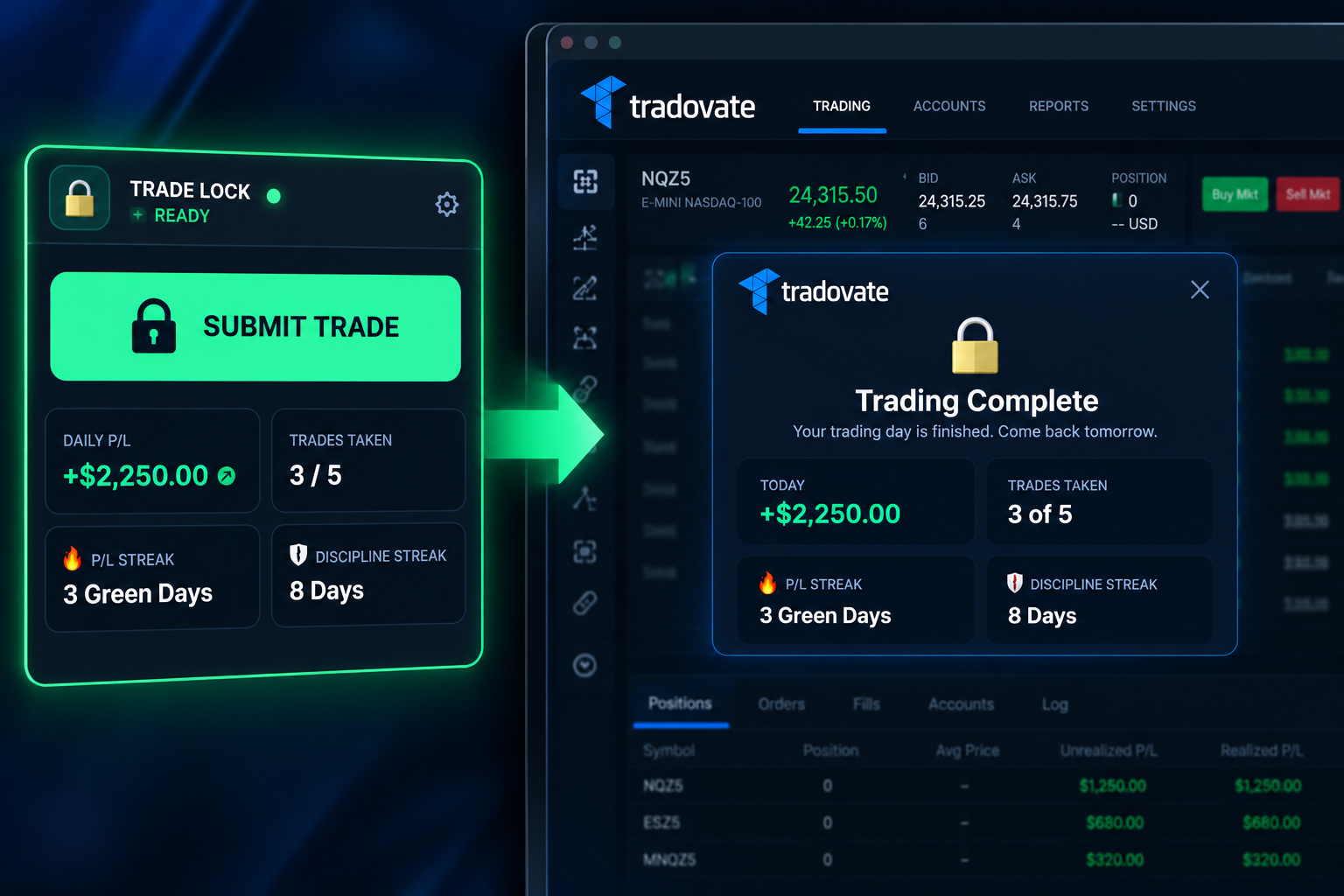
Your free account gives you the core discipline system. Pro adds the Market Map + GEX, OTS Entry Confirmation, deeper analytics, Live Trading, training and the rest of the complete workflow.
Create your free Trader Desk account now so the next time you're done trading, you have a system that helps you actually stay done.
GET TRADER DESK FREE →